Renewal and expiry reminders from Google Sheets
Insurance policies, business licences, certifications, hosting plans: if the dates are in a spreadsheet, the reminders can be too. 30 days before, 7 days before, and on the day, until the row says Renewed.
The template
Download the CSV and import it into Google Sheets, or add the same headers to the sheet you already keep.
| Item | Vendor or holder | Renewal date | Owner email | Status | Notes |
|---|---|---|---|---|---|
| Website hosting | Northside Creative | 2026-11-03 | ops@example.com | Active | Annual plan |
| General liability policy | Keystone Insurance | 2026-12-01 | office@example.com | Active | Ask for updated certificate |
| Business licence | City clerk | 2027-01-15 | office@example.com | Active |
What gets sent
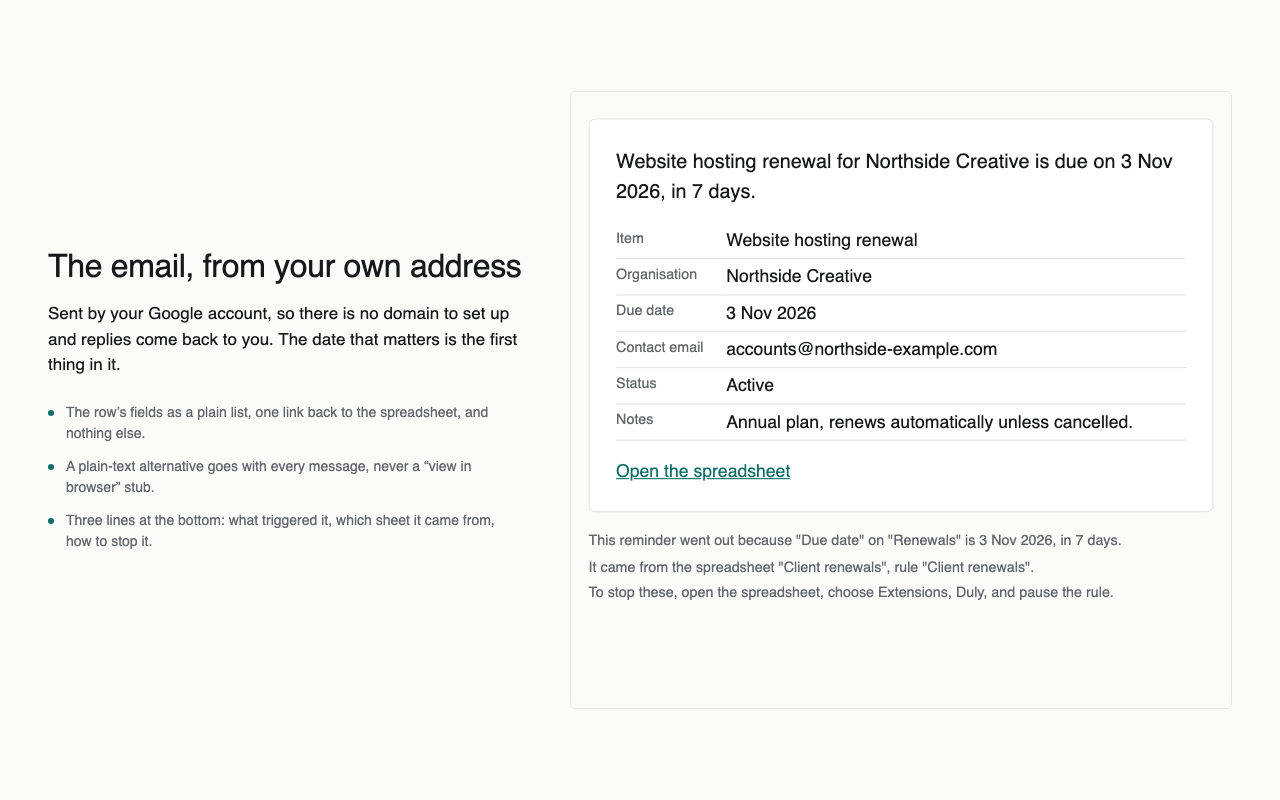
- “Due in 30 days: General liability policy, Keystone Insurance.” — with the row’s fields and a link back to the sheet.
- Again 7 days before and on the day, unless the status has changed to Renewed.
- Whoever is in the Owner email column gets it, so each item reaches the person who handles it.
Doing it with Duly
- Install Duly, open the sheet and choose the Renewals and expiry dates template.
- Check the guessed date and email columns, set the stop condition to Renewed.
- Look at the preview of the next seven days, then turn it on. Dates are checked every hour.