A cancellation deadline tracker in Google Sheets
The date that matters for a subscription is not the renewal date; it is the last day you can still cancel. Put that date in its own column and get reminded before it passes.
The template
Download the CSV. Cancel by is the
renewal date minus the notice period; in Google Sheets you can compute it with
=C2-D2.
| Subscription | Vendor | Renews on | Notice (days) | Cancel by | Owner email | Status |
|---|---|---|---|---|---|---|
| Design tool seats | Example Design Co | 2026-12-01 | 30 | 2026-11-01 | design-lead@example.com | Keep |
| Project tracker | Example Tracker Inc | 2026-11-20 | 14 | 2026-11-06 | ops@example.com | Review |
| Stock photo plan | Example Images | 2027-02-01 | 30 | 2027-01-02 | marketing@example.com | Cancel |
What gets sent
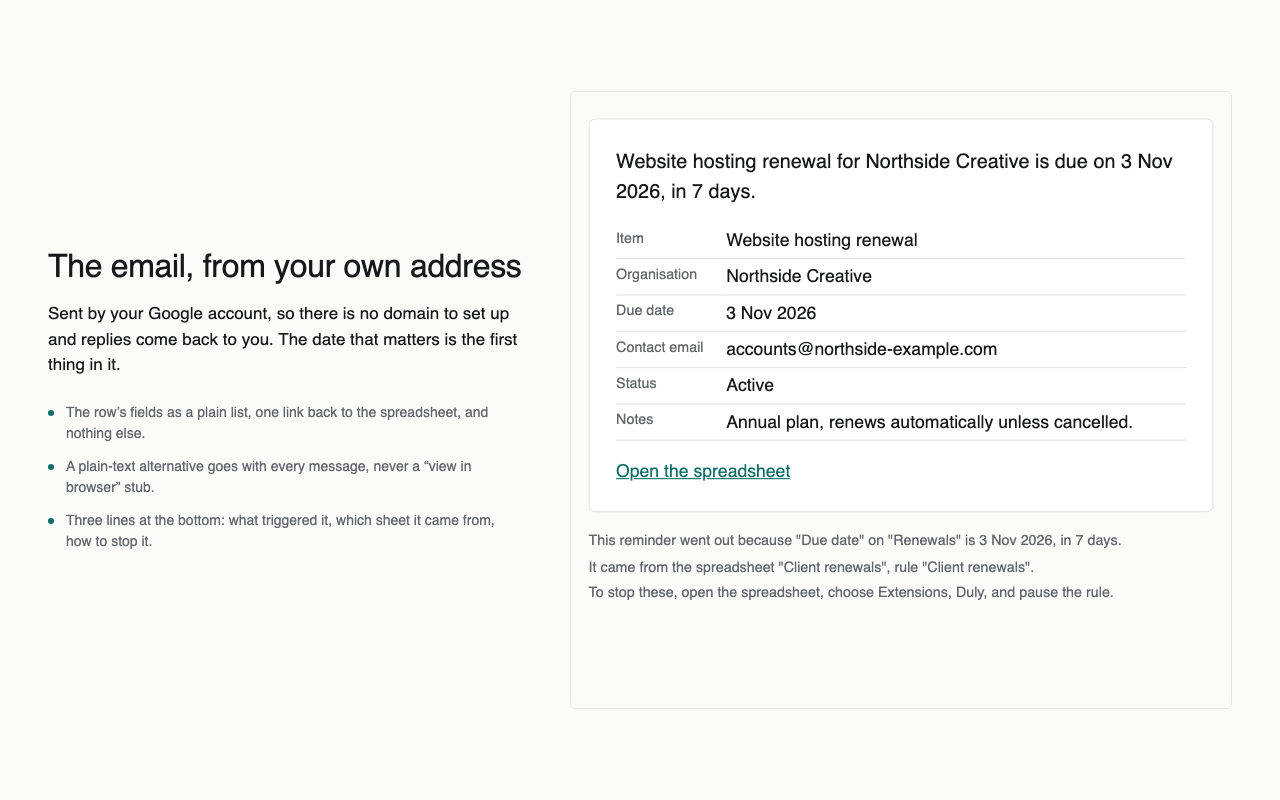
- 14 and 3 days before Cancel by: “Decide by 6 Nov: Project tracker, Example Tracker Inc.”
- Rows marked Keep stop getting reminders. Cancelling still happens with the vendor; the reminder makes sure someone decides in time.
Doing it with Duly
- Install Duly, open the sheet, and add a reminder on the Cancel by column.
- Send to the Owner email column, 14 and 3 days before.
- Set the stop condition to Status is Keep, preview, and turn it on.