Insurance policy renewal reminders from Google Sheets
Policies renew once a year and nobody remembers which. Keep them in a sheet and the person who handles each one gets an email 30 and 7 days ahead, and on the day, until the row says Renewed.
The template
Download the CSV and import it into Google Sheets (File → Import), or add the same headers to the sheet you already keep. Thirty days is usually enough time to ask for quotes or an updated certificate.
| Policy | Insurer | Renewal date | Premium | Owner email | Status |
|---|---|---|---|---|---|
| General liability | Example Insurance Co | 2026-12-01 | $1,850 | office@example.com | Active |
| Commercial property | Example Mutual | 2027-01-20 | $2,400 | office@example.com | Active |
| Professional indemnity | Example Underwriters | 2027-03-05 | $960 | finance@example.com | Active |
What gets sent
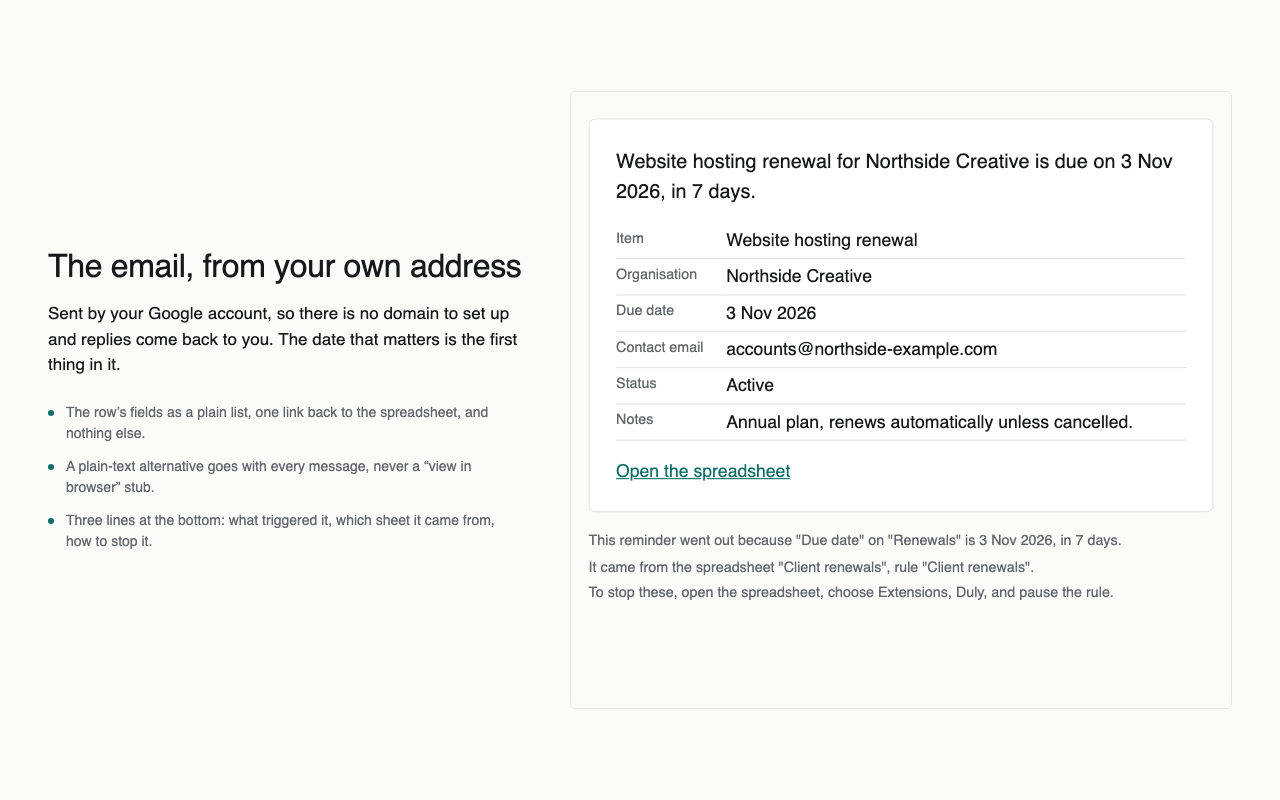
- “Due in 30 days: General liability, Example Insurance Co.” with the row’s fields and a link back to the sheet.
- Again 7 days before and on the day, unless the status has changed to Renewed.
- Whoever is in the Owner email column gets it.
Doing it with Duly
- Install Duly, open the sheet and choose the Renewals and expiry dates template.
- Check the guessed date and email columns, and set the stop condition to Renewed.
- Look at the preview of the next seven days, then turn it on.
Duly checks dates hourly and sends from your own Google account. It is a reminder, not the only control on a deadline that would be costly to miss. Duly does not read policies or contact insurers; the dates and amounts are whatever you type.