Licence and certification expiry reminders from Google Sheets
Business licences, professional certifications and required training all lapse on a date. Track them in a sheet and the holder gets an email before each one does, until the row says Renewed.
The template
Download the CSV and import it into Google Sheets (File → Import), or add the same headers to the sheet you already keep. One row per licence or certificate, with the person who holds it.
| Licence or certificate | Issued by | Holder | Expires on | Holder email | Status |
|---|---|---|---|---|---|
| Business licence | City clerk | Front office | 2027-01-15 | office@example.com | Active |
| First aid certificate | Example Training Co | A. Rivera | 2026-11-30 | a.rivera@example.com | Active |
| Food handler permit | County office | K. Okafor | 2027-04-02 | k.okafor@example.com | Active |
What gets sent
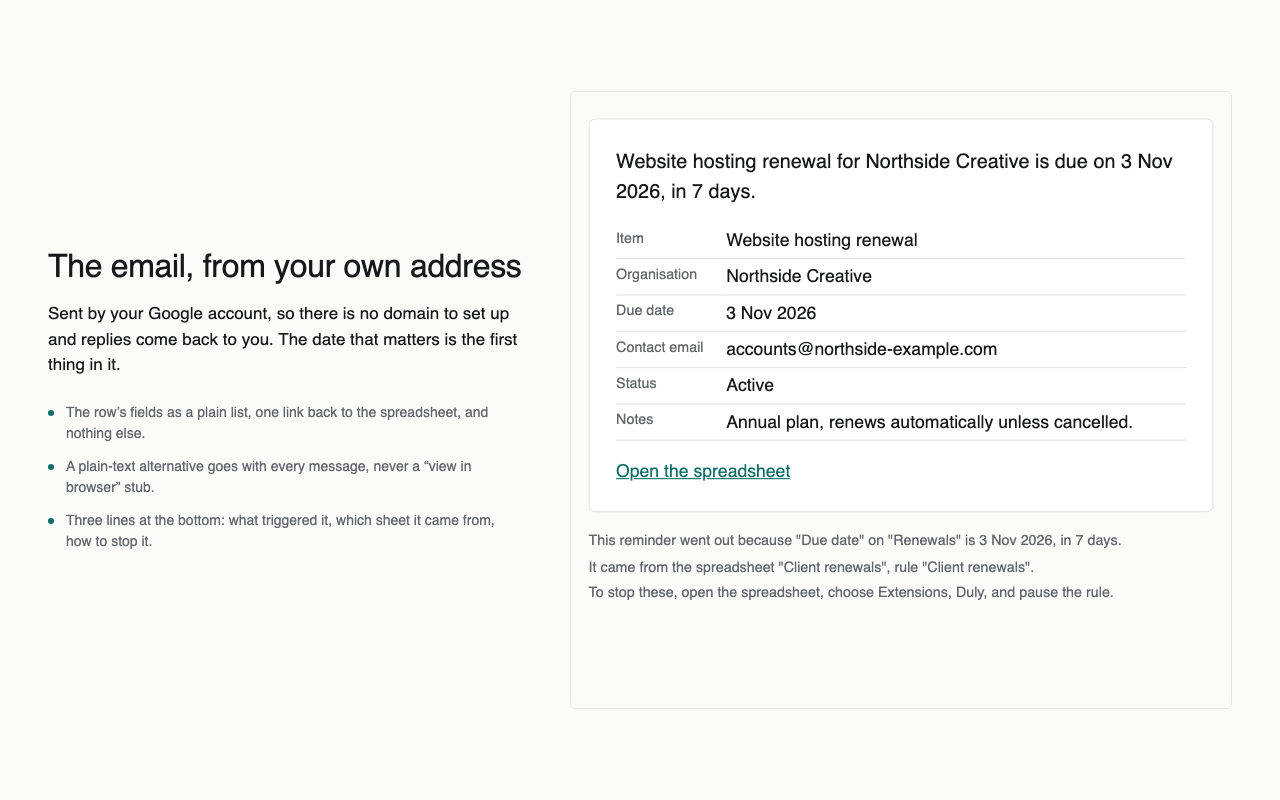
- “Due in 30 days: First aid certificate, Example Training Co.” with the row’s fields and a link back to the sheet.
- Again 7 days before and on the day, unless the status has changed to Renewed.
- Each holder gets their own reminder from the Holder email column.
Doing it with Duly
- Install Duly, open the sheet and choose the Renewals and expiry dates template.
- Point it at the Expires on and Holder email columns and set the stop condition to Renewed.
- Look at the preview of the next seven days, then turn it on.
Duly checks dates hourly and sends from your own Google account. It is a reminder, not the only control on a deadline that would be costly to miss. Duly does not check whether a licence is valid; it reminds you of the date you entered.