Invoice reminders from Google Sheets
If your invoices already live in a spreadsheet, the reminders can come from it too: one email a few days before the due date, one on the day, and one after, from your own address, stopping the moment the row says Paid.
The template
Six columns are enough. Download the CSV and open it in Google Sheets (File → Import), or copy the headers into the sheet you already have.
| Invoice | Client | Amount | Due date | Client email | Status |
|---|---|---|---|---|---|
| INV-1041 | Harbour Books | $1,250.00 | 2026-11-03 | accounts@harbourbooks-example.com | Unpaid |
| INV-1042 | Northside Creative | $480.00 | 2026-11-10 | finance@northside-example.com | Unpaid |
| INV-1043 | Old Mill Bakery | $96.00 | 2026-10-28 | owner@oldmill-example.com | Paid |
Write dates as real dates or as 2026-11-03. A date Duly cannot read for certain is skipped and named in the log, never guessed.
What gets sent
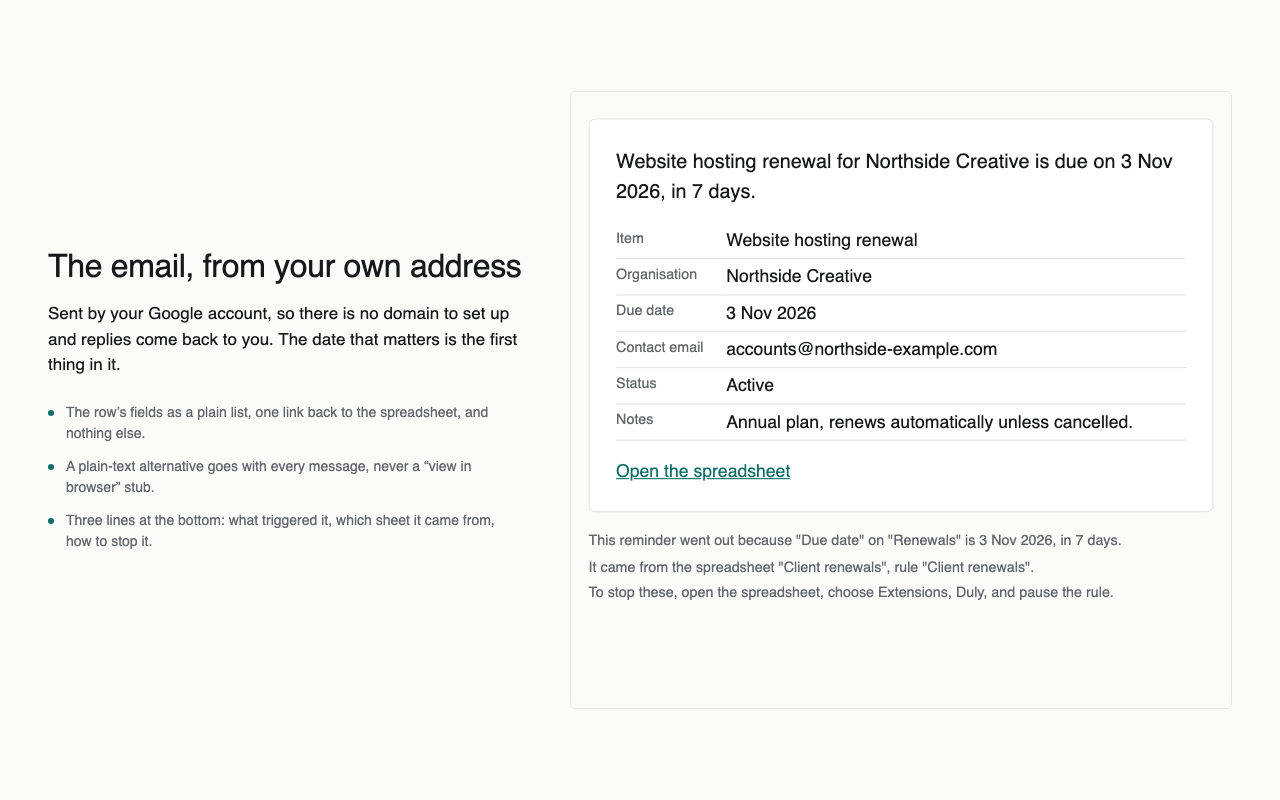
- 7 days before: “Due in 7 days: INV-1041 for Harbour Books, $1,250.00.”
- On the day and 3 days after, if the status still is not Paid.
- Each email comes from your own Google account, so replies land in your inbox.
Doing it with Duly
- Install Duly and open the sheet. Choose the Invoices due template.
- Duly guesses the date column, the email column and the wording from your headers.
- Set the stop condition to Status is Paid, look at the preview, and turn it on.
Related templates
- Renewal and expiry reminders
- Cancellation deadline tracker
- Domain and SSL expiry reminders
- Insurance renewal reminders
- Licence and certification expiry reminders
Every check is written to a Duly log sheet, so you can see exactly which client was
reminded and when. How Duly works · Pricing