Domain and SSL certificate expiry reminders from Google Sheets
A lapsed domain or certificate takes a website offline. List each one with its expiry date and the person responsible, and get an email 30 and 7 days before, and on the day, until the row says Renewed.
The template
Download the CSV and import it into Google Sheets (File → Import), or add the same headers to the sheet you already keep. Registrars and certificate providers send their own notices; this keeps every date in one place, with a log.
| Name | Type | Provider | Expires on | Owner email | Status |
|---|---|---|---|---|---|
| example-studio.test | Domain | Example Registrar | 2026-12-10 | ops@example.com | Active |
| www.example-studio.test | SSL certificate | Example CA | 2026-11-18 | ops@example.com | Active |
| shop.example-studio.test | Domain | Example Registrar | 2027-02-02 | web@example.com | Active |
What gets sent
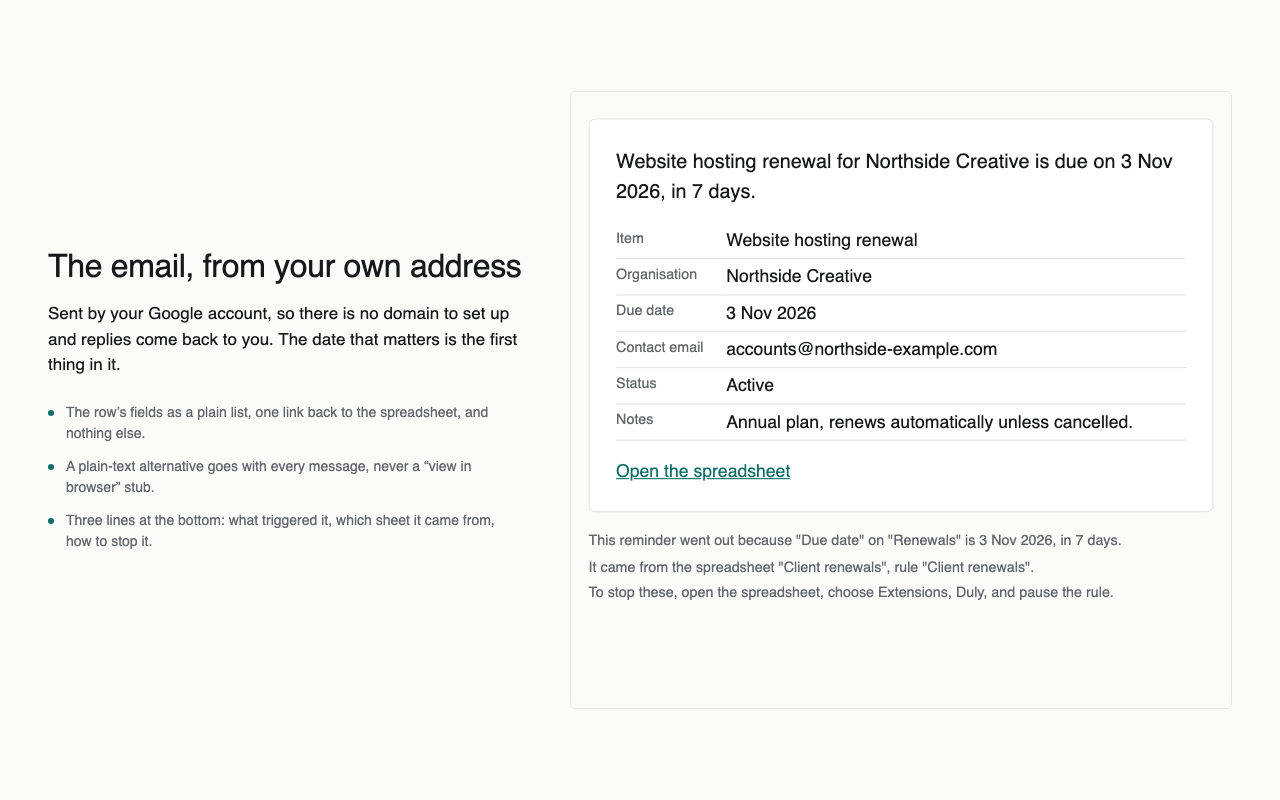
- “Due in 30 days: www.example-studio.test, SSL certificate.” with the row’s fields and a link back to the sheet.
- Again 7 days before and on the day, unless the status has changed to Renewed.
- Each item goes to the address in its own Owner email column.
Doing it with Duly
- Install Duly, open the sheet and choose the Renewals and expiry dates template.
- Point it at the Expires on and Owner email columns and set the stop condition to Renewed.
- Look at the preview of the next seven days, then turn it on.
Duly checks dates hourly and sends from your own Google account. It is a reminder, not the only control on a deadline that would be costly to miss. Certificates that renew automatically still belong in the sheet if you want a record of when they should.